Sample Store
Our open source sample store showcases how you can use Rescope Commerce to build a fully functioning store.
github.com/Rescope-Digital/rescope-commerce-sample
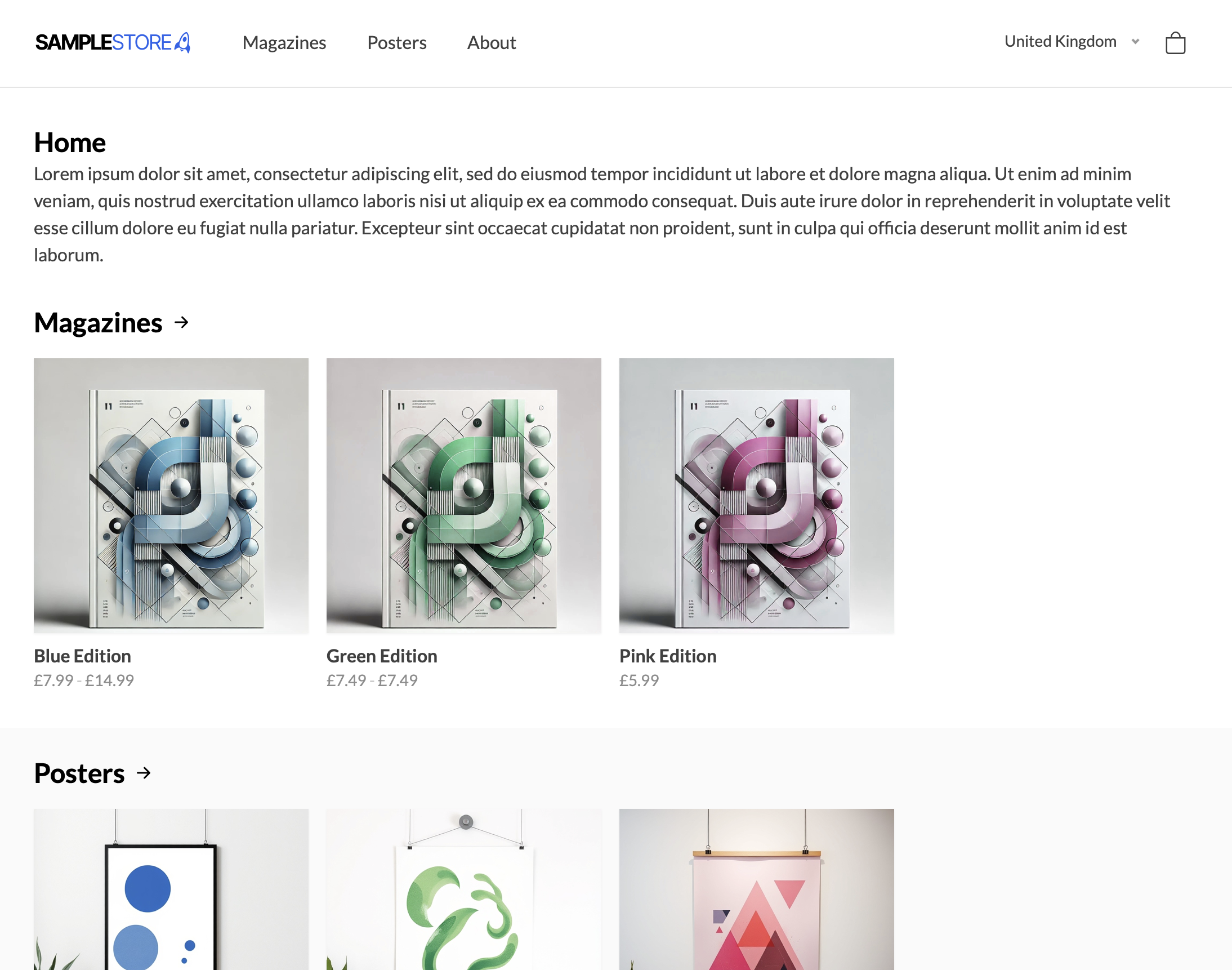
This project demonstrates a sample implementation of Rescope Commerce for Umbraco. It provides a functional example of how to set up a Rescope Commerce-powered storefront.
Getting Started
Getting up and running is quick and easy:
- Clone the repository and initialise the project as you would any standard Umbraco installation.
- Log in to the Umbraco backoffice.
- Navigate to Settings and perform a full uSync import.
This will import all necessary Rescope Commerce configurations for the demo store.
Payment Provider Configuration
Please note: Rescope Commerce's uSync handlers do not synchronise sensitive information, such as payment provider secrets.
Before testing the checkout process, you will need to manually configure a payment provider in the backoffice under the Commerce section.
Project Structure
This project is structured to demonstrate key concepts and components of a basic Rescope Commerce integration. Key folders and files include:
Controllers/
BasketSurfaceController.cs— Handles surface actions for basket operations on the front-end.CheckoutSurfaceController.cs— Handles surface actions related to the checkout process.CheckoutController.cs— Hijacks the rendering of the Checkout page to provide a custom flow.
Views/
Checkout/— Contains all front-end pages related to the checkout flow.Basket.cshtml— Displays the shopping basket._ViewStart.cshtml— Shared view configuration. structions for deploying to a live environment, details about customising products, or more in-depth info about extending Rescope Commerce features!